device-docs
YUM Machine Guide
Welcome to the YUM machine guide. This guide will show you how to use the machine touchscreen to make drinks, change recipes, and keep the machine clean.
What’s in This Guide
- How to Pour a Drink - Select a drink, pick a size, and start pouring
- Change Ingredient Amounts - Make a recipe stronger, weaker, or change how much of each ingredient is used
- Add an Ingredient to a Recipe - Put a new ingredient into an existing recipe
- Remove an Ingredient from a Recipe - Take an ingredient out of a recipe
- How to Clean the Machine - Step-by-step cleaning instructions
- Settings and Calibration - Sources, calibration, and other settings
Screen Overview
The machine has a touchscreen. Here are the main screens you will use:
Home Screen (Product Select)
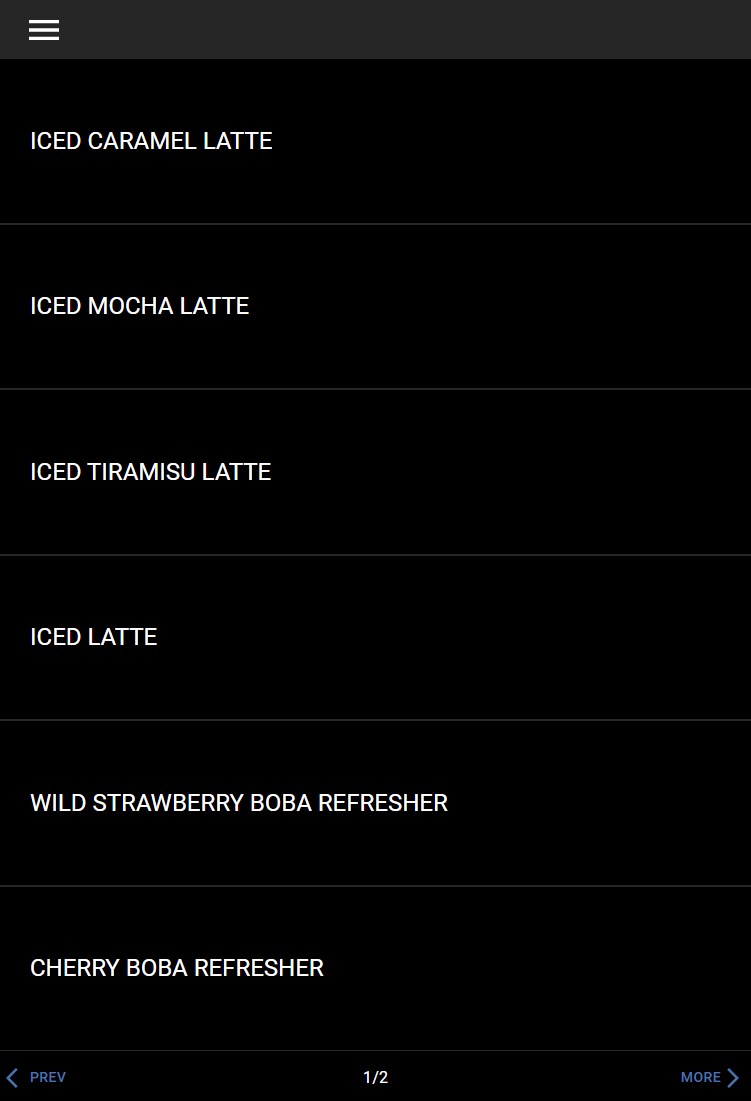
This is the first screen you see. It shows all the drinks you can pour.
Menu
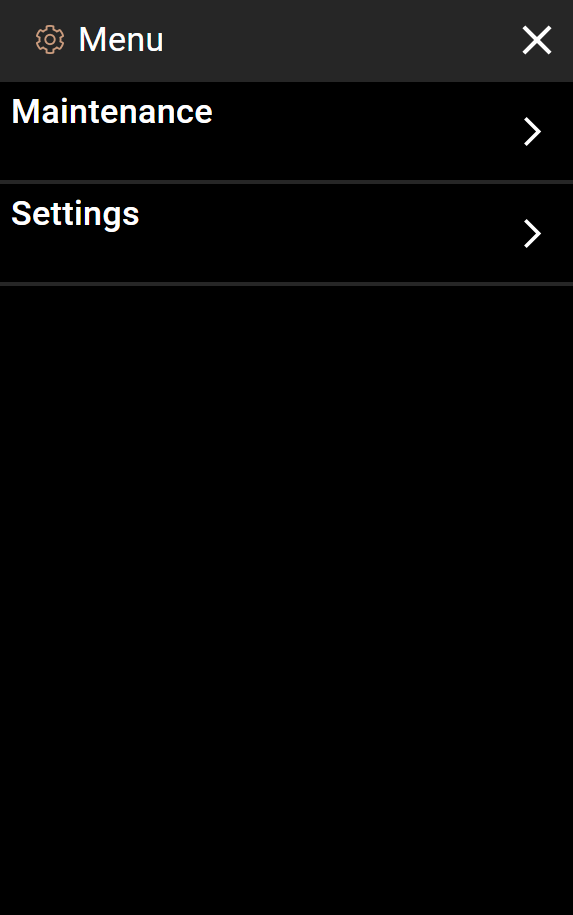
Tap the menu icon (three lines) in the top-left corner to open the menu. From here you can get to Maintenance and Settings.
Settings
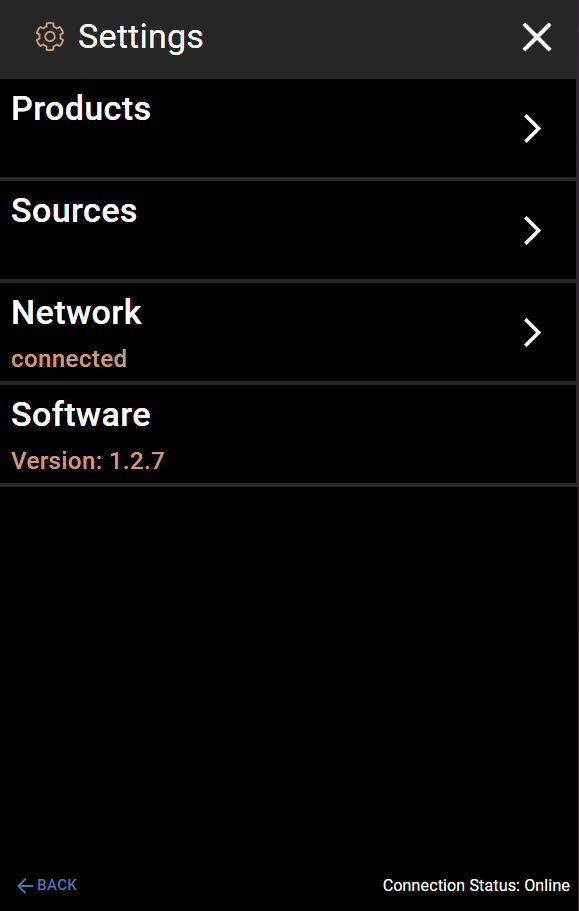
The Settings screen lets you manage Products (recipes), Sources (ingredients), Network, and Software version.