device-docs
Firmware Interface Connection
Each board has a user interface that can be accessed by Wi-Fi.
Connecting to interface
Connecting to the interface is down through the windows Wi-Fi connection tool.
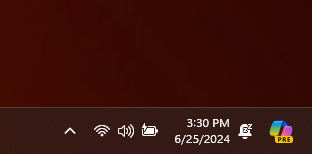
You can access this by clicking the Wi-Fi icon form a PC or tablet. This can be found on the lower right of the task bar:
- Click the Wi-Fi icon
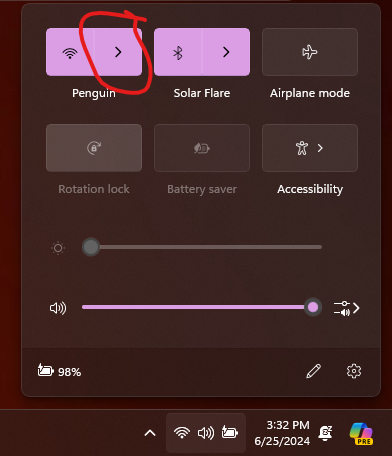
- Click the Wi-Fi icon, then select the arrow. You will then see a list of networks. You may need to wait for a minute as Windows populates the list. If the environment has many wireless devices or devices that may interfere with wireless signal, then it may be necessary to attach an external antenna to the NTap device.
- Click the NTap device interface. The correct interface can be identified by the GUID number after “ToT_NTap-“
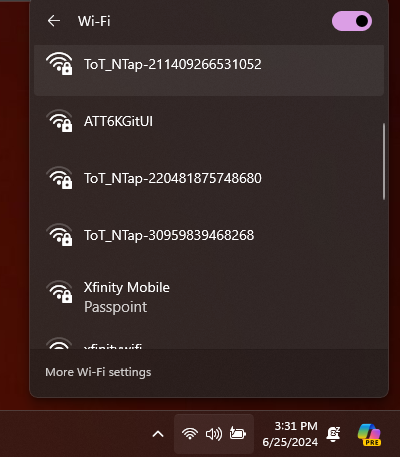
- Enter the device password.
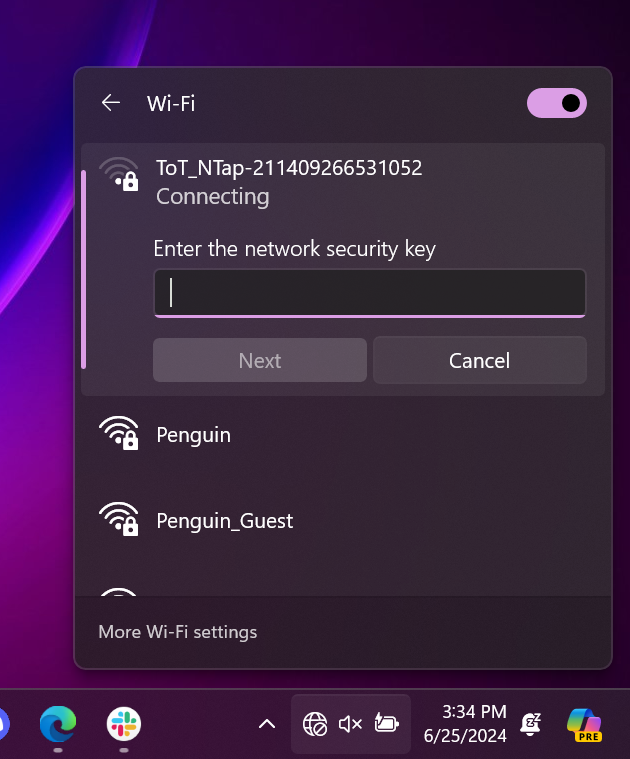
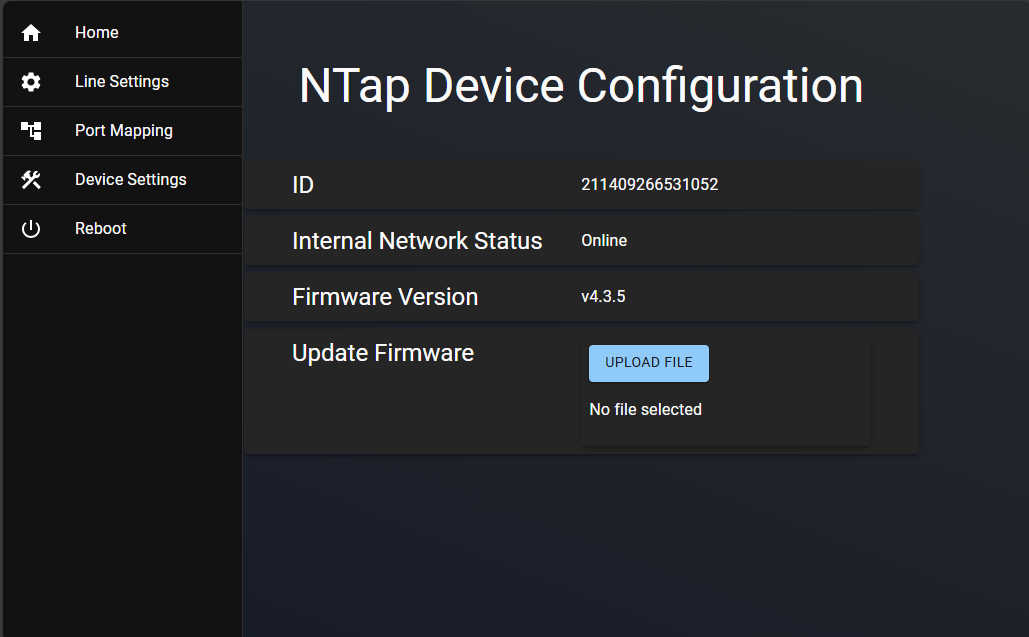
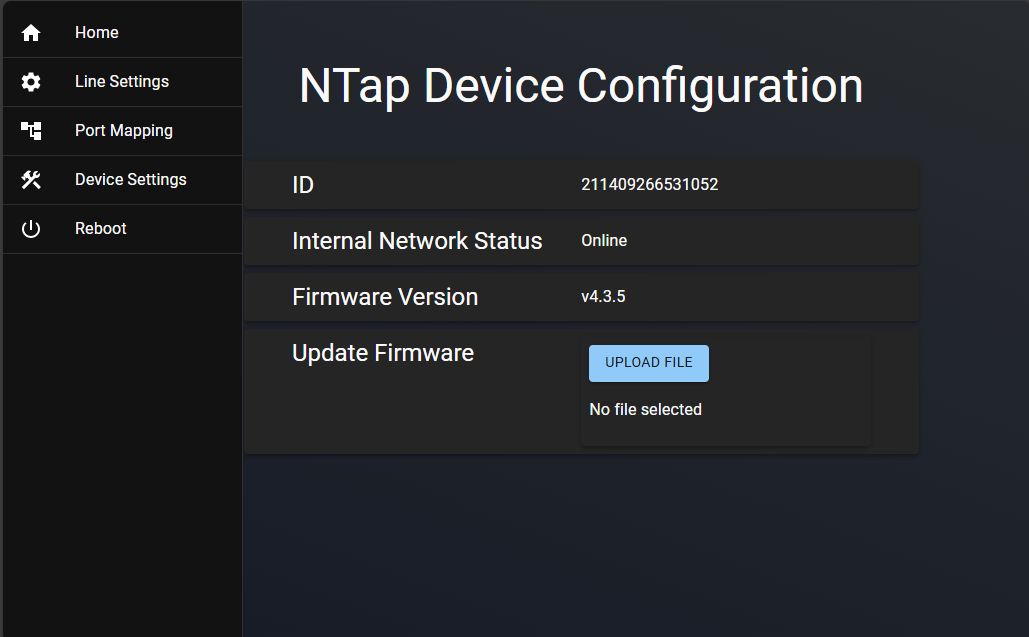
- Click connect. After a short delay, a browser window should open with the NTap interface. shown below: